Websites and Client Portals
Public sites and signed-in spaces that match the real process.
See websitesUsefulFlows is a studio that builds websites, client portals, custom tools, automation, integration, and practical AI around a client's existing process. Services are the primary offer.
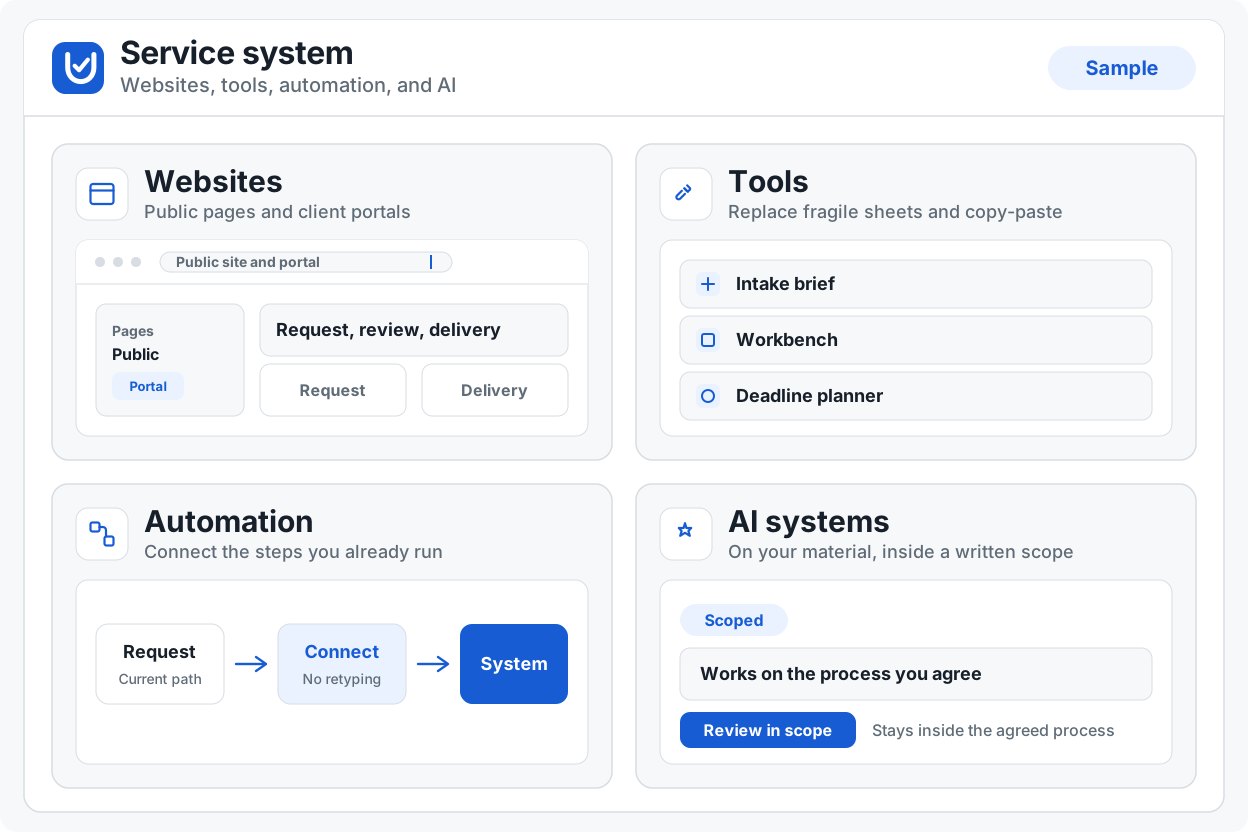
The work is already happening. These are the places it breaks.
A public site that disagrees with the real process leaves staff and customers on different maps.
Public pages and client portals should describe the same process the team actually runs.
Discuss websitesWork moving between people and tools drops the evidence that made the last decision.
Custom tools and internal systems can carry that evidence with the work instead of leaving it in a side channel.
Discuss custom toolsRules, notices, and records move without a clear trail of what changed and when.
Monitoring checks official public sources in Workspace. It is a signed-in tool, not a catalogue card. Automation can keep those sources connected to the rest of the process.
Discuss automationOff-the-shelf flows ignore the exceptions that actually run the business.
Custom tools and practical AI stay inside an agreed process, including the exceptions the generic flow drops.
Discuss AI systemsFour equally weighted offers. Open a family, then discuss a project.
Public sites and signed-in spaces that match the real process.
See websitesUtilities and internal systems built around how the team already works.
See custom toolsConnections that keep official sources, handoffs, and records in one trail.
See automationPractical AI inside a bounded workflow, not a generic chatbot bolted on.
See AI systemsDiscovery, agreed scope, delivery, review, handover, and support boundaries. The sequence explains responsibilities. It is not an unbounded retainer.
Map the current process, the stalls, and what must not change.
Write what will be built, what is out, and how success will be checked.
Build against that scope with working software the client can use.
Check the result against the agreed evidence, not a moving wish list.
Hand over the system, credentials, and operating notes.
Support is bounded by the signed project agreement, not an open retainer implied here.
Browser-local utilities. Input stays on this device. They show how we build. The studio work is still the primary offer.
Paste a draft and tidy it here. Count it, change case, clean hidden characters, or compare two versions. Nothing is uploaded.
JSON, CSV, and tables stay in this browser. Format a payload, convert a spreadsheet dump, or turn rows into a Markdown table you can paste.
Encode, parse, hash, and generate values you would otherwise paste into a scratch pad. Public Trust Check also queries public domain services; the path of a link stays in this browser.
Compress a photo or draw a QR code on the canvas. The file you pick is read in this tab and is not uploaded.
Change a PDF you already have: merge, split, rotate, watermark, or fill a form. 50 MB and 100 pages, one job at a time. Encrypted files are refused. Nothing is uploaded.
Write the brief, the handoff, and the decision before anyone builds. Empty fields stay empty. Nothing is invented to look complete.
Print planners and paper as a local PDF. These are personal printing aids, not official school forms. Use the school’s own document when they require one.
Monitoring checks official public sources after sign-in. It is not in this list.
Tell us the outcome and the surrounding process. An enquiry starts a conversation only.
Discuss a project