Single web page
One page for one job: offer, landing, campaign, or explanation. Fast turnaround. Deliverables written before build. Preview before acceptance.
Four equally weighted offers. Every job starts with a pre-agreed scope, a preview you can reject, and a handover. An enquiry is a conversation, not a quote.
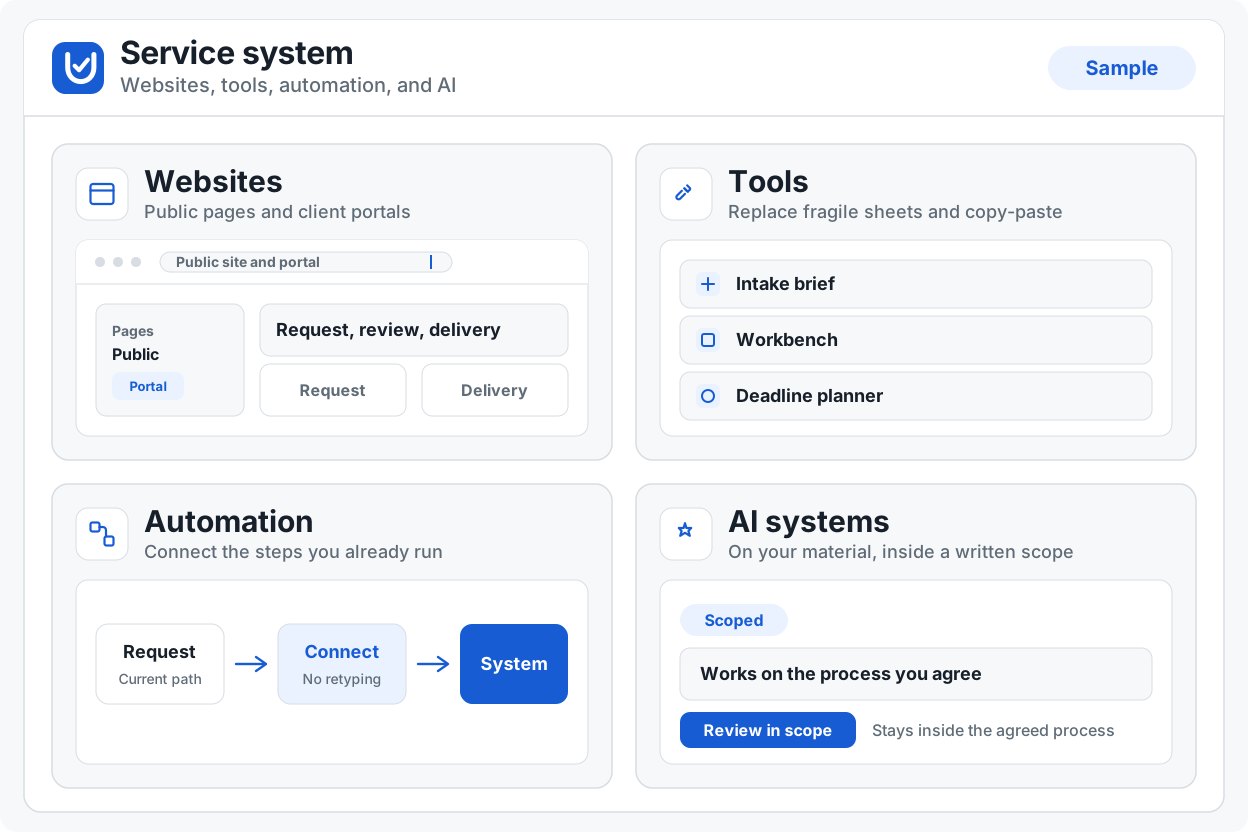
Websites and client portals
Single pages, full sites, temporary event pages, and client portals. Fast turnaround on a named scope. You preview before you accept.
Discuss websites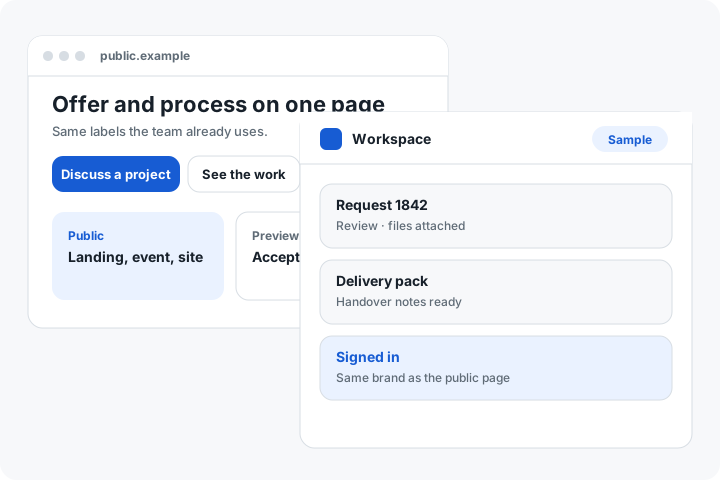
One page for one job: offer, landing, campaign, or explanation. Fast turnaround. Deliverables written before build. Preview before acceptance.
Several pages that share one brand and one process. Scope names the pages, what each must do, and what is out. You preview the whole site before acceptance.
Event pages with or without RSVP. Registration forms for names, attendance, or a simple confirmation. Can come down when the event is over.
A signed-in space for the people doing the work. Status, files, or requests — only what the process needs. Same brand as the public site.
Not in this family: custom internal tools, live monitoring, or unbounded “keep changing it forever.”
Custom tools and internal systems
One job, one tool. Browser-local when the data should stay on the device. Signed-in when the job needs a workspace. The deliverable is a working tool plus a short operating note.
Discuss custom tools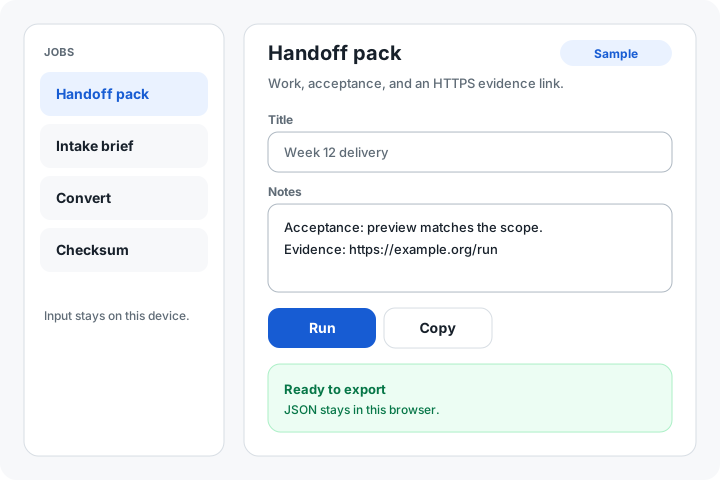
Intake, convert, check, pack, or hand off. Built to the labels the team already uses. Import, export, or a print pack when the job needs them.
Screens that carry work from one step to the next without losing the evidence. Checklists, queues, decision records, or a pack the next person can open.
Small systems for the team, not a public marketing site. Shared fields, status, and a trail of what changed. Scoped to the process you already run.
Not in this family: a full rewrite of your company software, or an open feature list after handover.
Automation and integration
Repeat the same steps the same way. Receive or send an event when something happens. Failures are visible, not silent.
Discuss automation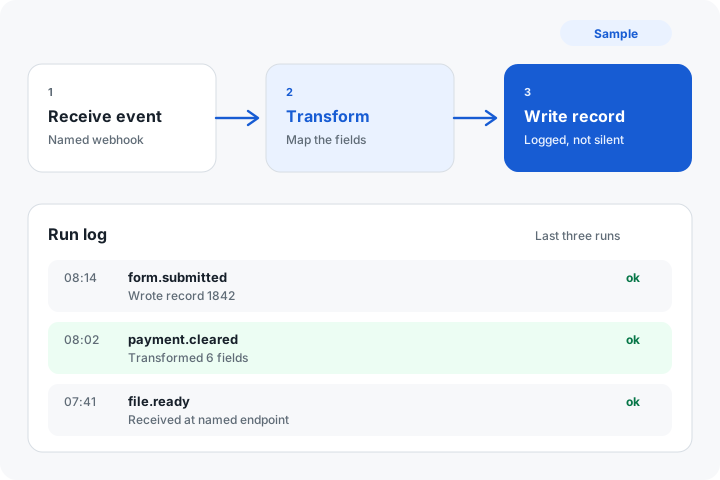
The same steps, the same way, with a record of what ran. Handoffs that do not depend on someone remembering to copy a field.
Receive or send an event when a form, payment, status, or file moves. Named endpoint, payload, and what your process does next. Logged.
Connect official sources, mail, sheets, or the tools you already use. Bounded: the connections in scope, not “integrate everything.”
Not in this family: 24/7 operations staff, or monitoring sold as a separate product.
AI systems
A bot or a first pass that stays inside agreed sources. You keep the decision. The model does not become a second brand.
Discuss AI systems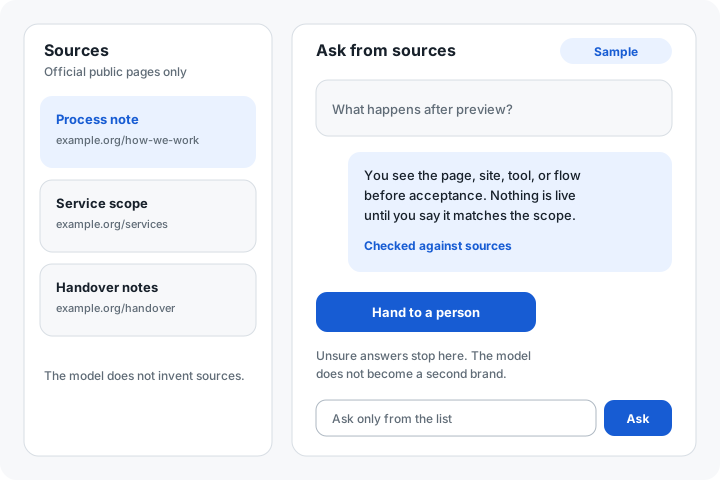
Answers or drafts only from agreed sources: your pages, your process, your files. Clear limits on what it may say and what it must hand to a person.
Classify, extract, summarise, or draft inside a step you already run. Output is checked against the same evidence the team uses.
A fallback when the model is unsure, a place to correct it, and a short scope note so the bot cannot wander.
Not in this family: an unbounded assistant that “knows the business,” or training on private data you did not supply.
The same sequence for every family. It explains responsibilities. It is not an unbounded retainer.
Map the current process, the stalls, and what must not change.
Write what will be built, what is out, and how you will check it.
You see the page, site, tool, or flow before acceptance.
You say it matches the scope. Nothing is live until then.
System, credentials, and operating notes.
Only what the signed agreement says.
Tell us the outcome and the surrounding process. An enquiry starts a conversation only.
Discuss a project